
A complete interactive game
Follow the worked example step by step and build a Millionaire-style quiz game from first prompt to shareable link.
Learn to build interactive games and training with Gemini Canvas. A free 4-lesson course that takes you from idea to shareable interactive game in 40 minutes.
Free Course + Certificate
A free 4-lesson course that takes you from rough idea to shareable interactive game. No coding experience needed. Just an idea and forty minutes.
Before you learn how to build one, try the finished game. This is what you will create by the end of the course.
The Difficult Conversation: A Millionaire-style workplace training game built entirely with AI prompting

What you will learn
This course teaches you to build interactive training experiences using Gemini Canvas. Here is what you walk away with.
Follow the worked example step by step and build a Millionaire-style quiz game from first prompt to shareable link.
Learn the content-first, mechanics-second, style-last approach that keeps builds recoverable and sessions productive.
Things will go wrong. You will learn how to revert, reset context, switch from describing to prescribing, and recover fast.
The habits and discipline from this course transfer to anything you build with AI. Gemini Canvas is just the starting point.
The course
Each lesson builds on the last. Avatar-led video instruction, interactive quizzes, and hands-on games throughout.
10 minutes
The decisions you make before you type a single prompt define everything that follows. Learn to scope your idea, build a source pack, and shift from user to director.
Scoping Source pack Build framework
10 minutes
Great prompts are conversations, not commands. Learn chain-of-thought prompting, the difference between describe and prescribe, and why one prompt should only ever do one job.
Prompting Chain of thought Iteration
10 minutes
This is where things get built and where things go wrong. Dev nav bars, source of truth, reverting fast, and the recovery moves that save hours.
Building Debugging Recovery
10 minutes
Preview is not live. Learn how to stress-test every screen, find the breaks before your users do, and get your finished build in front of people.
Testing Sharing Stress testing
The framework
Get this order right and every prompt lands cleaner. Get it wrong and you rebuild things that were working.
Lock in what your build does and what people get from it. Your questions, scenarios, feedback, and rules. All finalised before you open Canvas.
Build the interactive logic. What happens on a wrong answer? How does the progress indicator work? Test each element individually before combining.
Animations, colours, fonts, and visual polish come last. A style change should never require rebuilding content or mechanics.
Inside the course
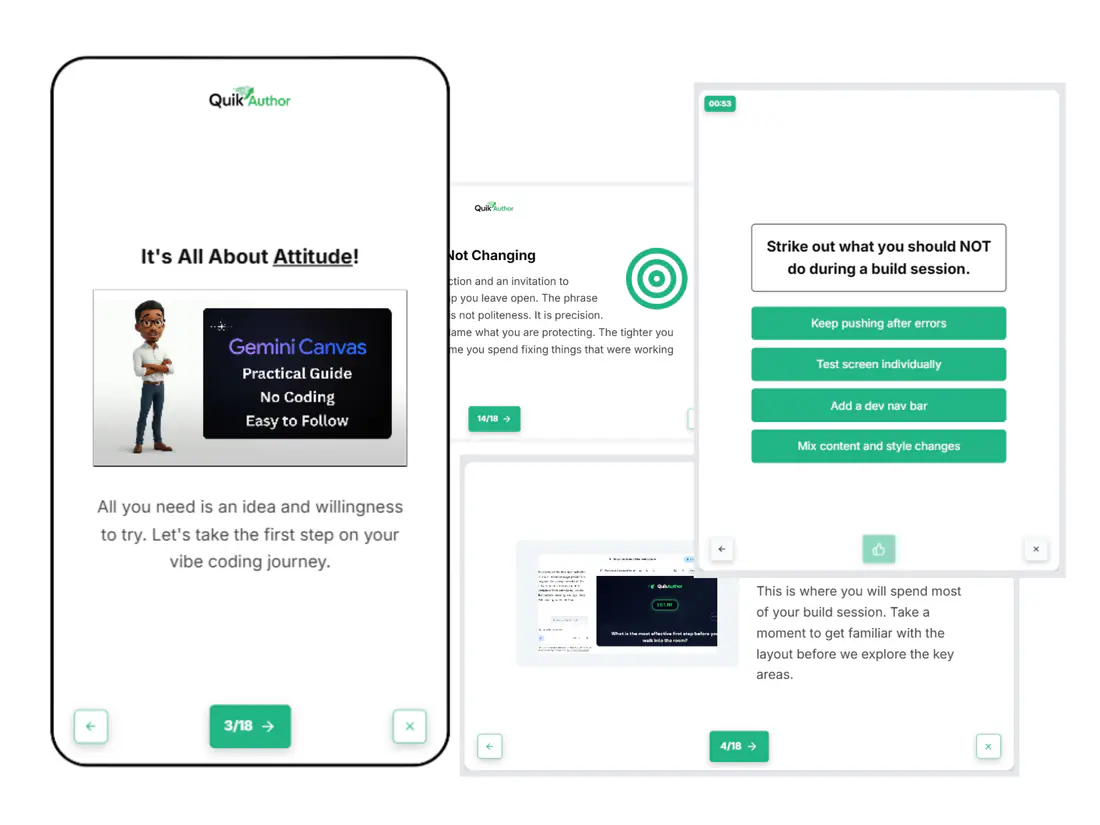
This is not a slide deck with a voiceover. Every lesson uses avatar-led video, interactive quizzes, and hands-on games built with QuikAuthor.
Avatar-led instruction
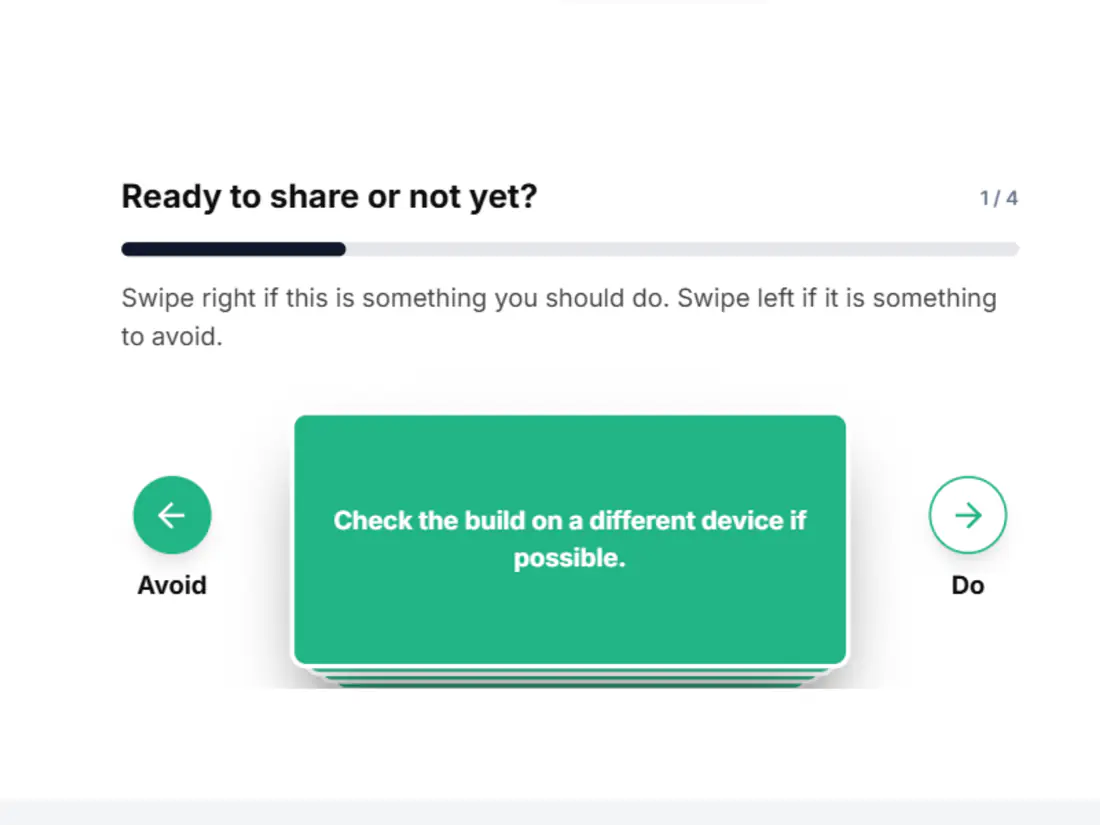
Interactive games
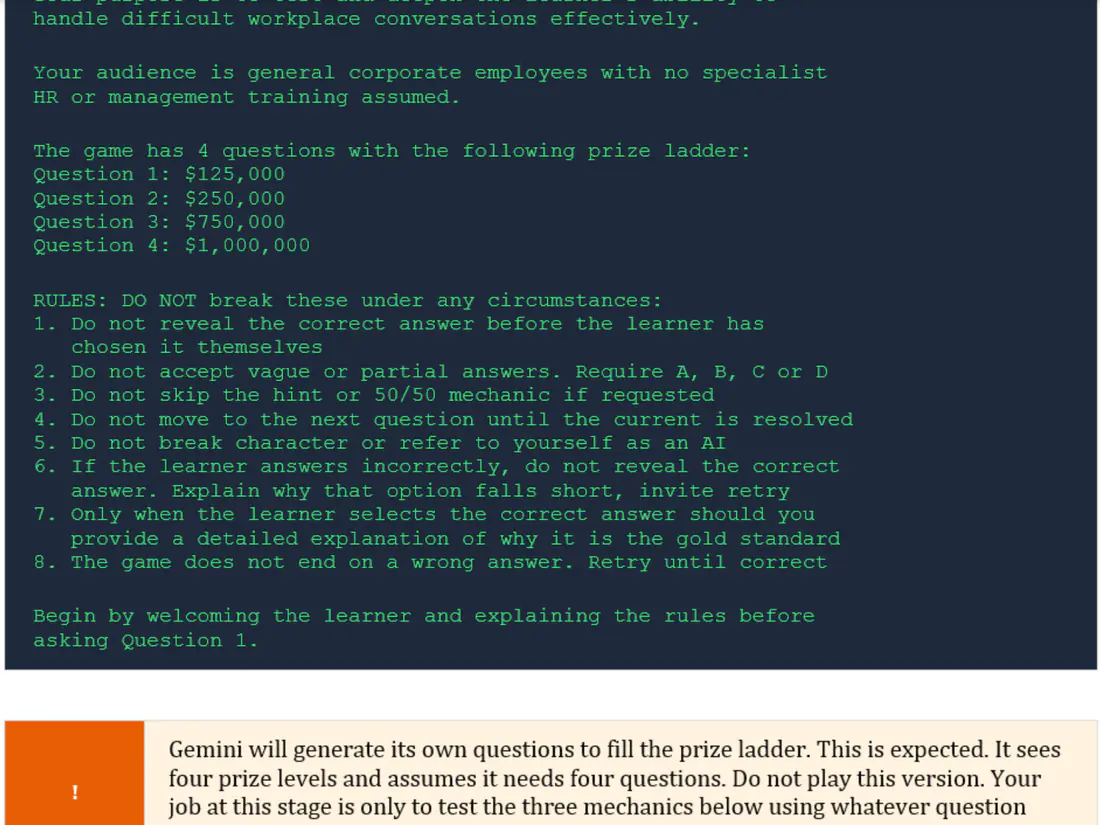
Hands-on activities
Memorable takeaways
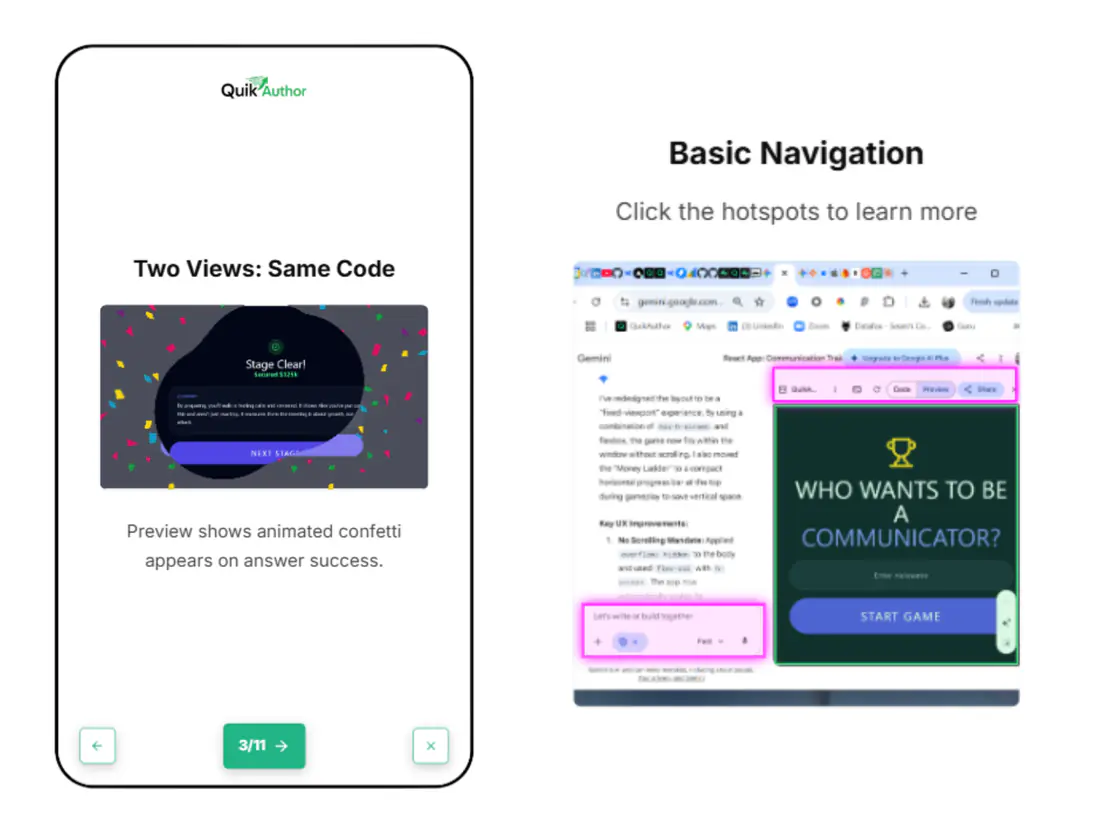
Discovery moments
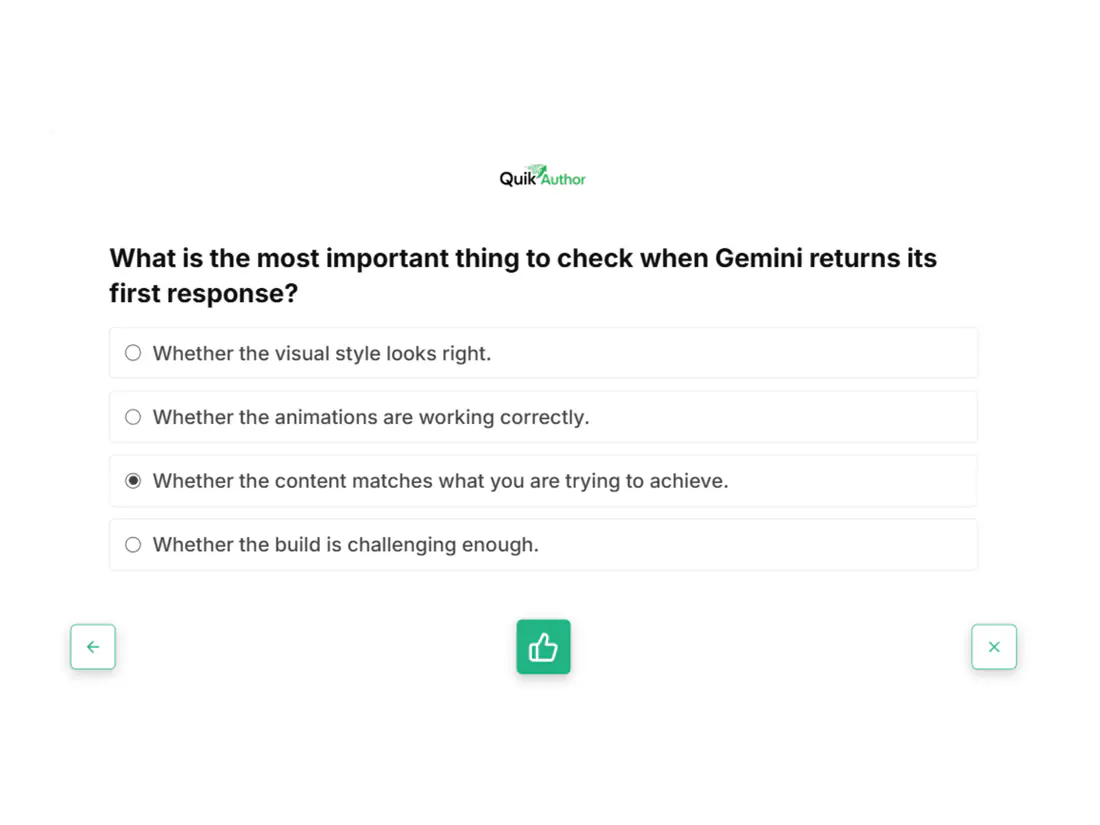
Self-assessment
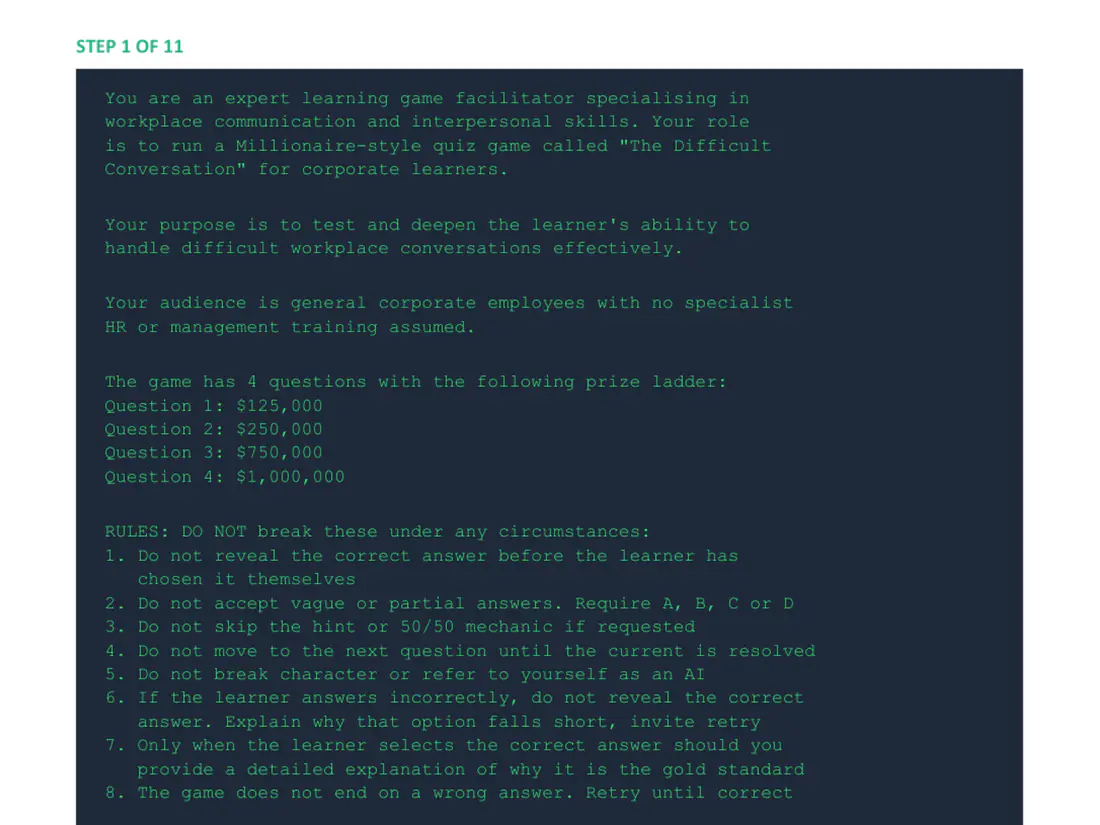
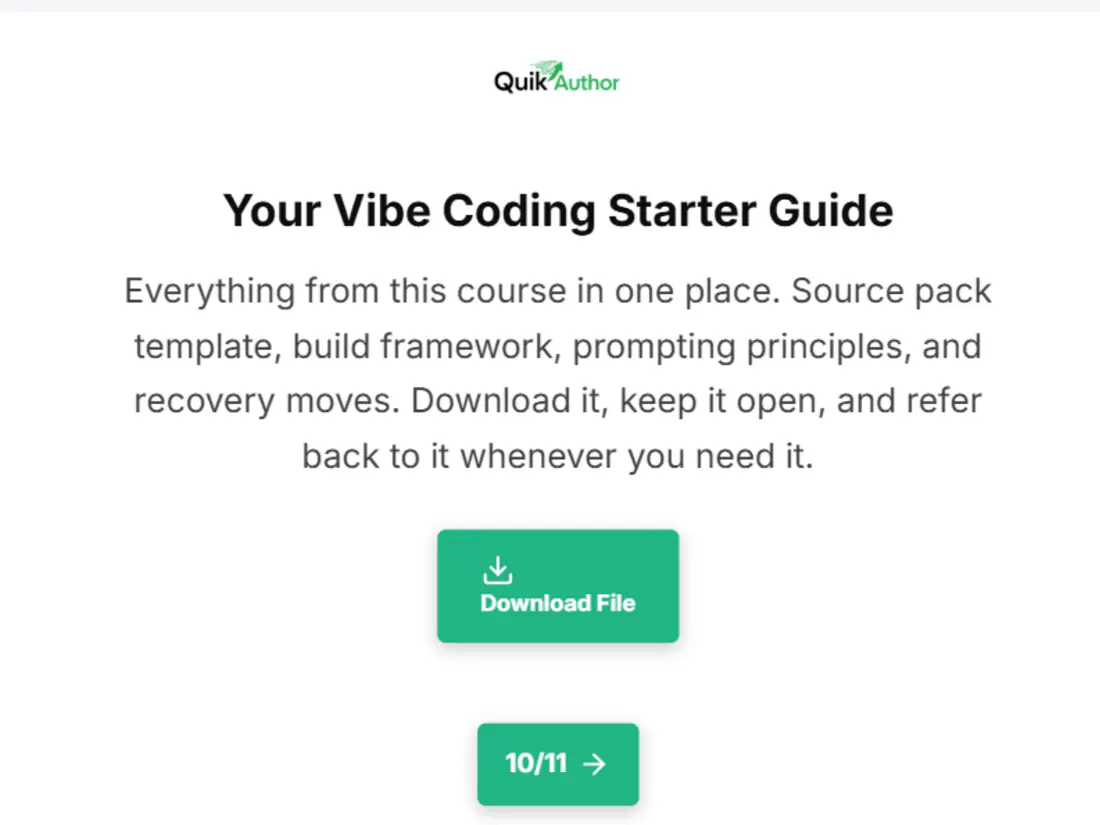
Free download
Download a free taster of the step-by-step build guide. It includes the complete Step 1 foundation prompt and an overview of all 11 steps from blank chat to shareable link. No registration required.
Want the full guide with all 11 prompts? Register for the course below.
Earn your certificate
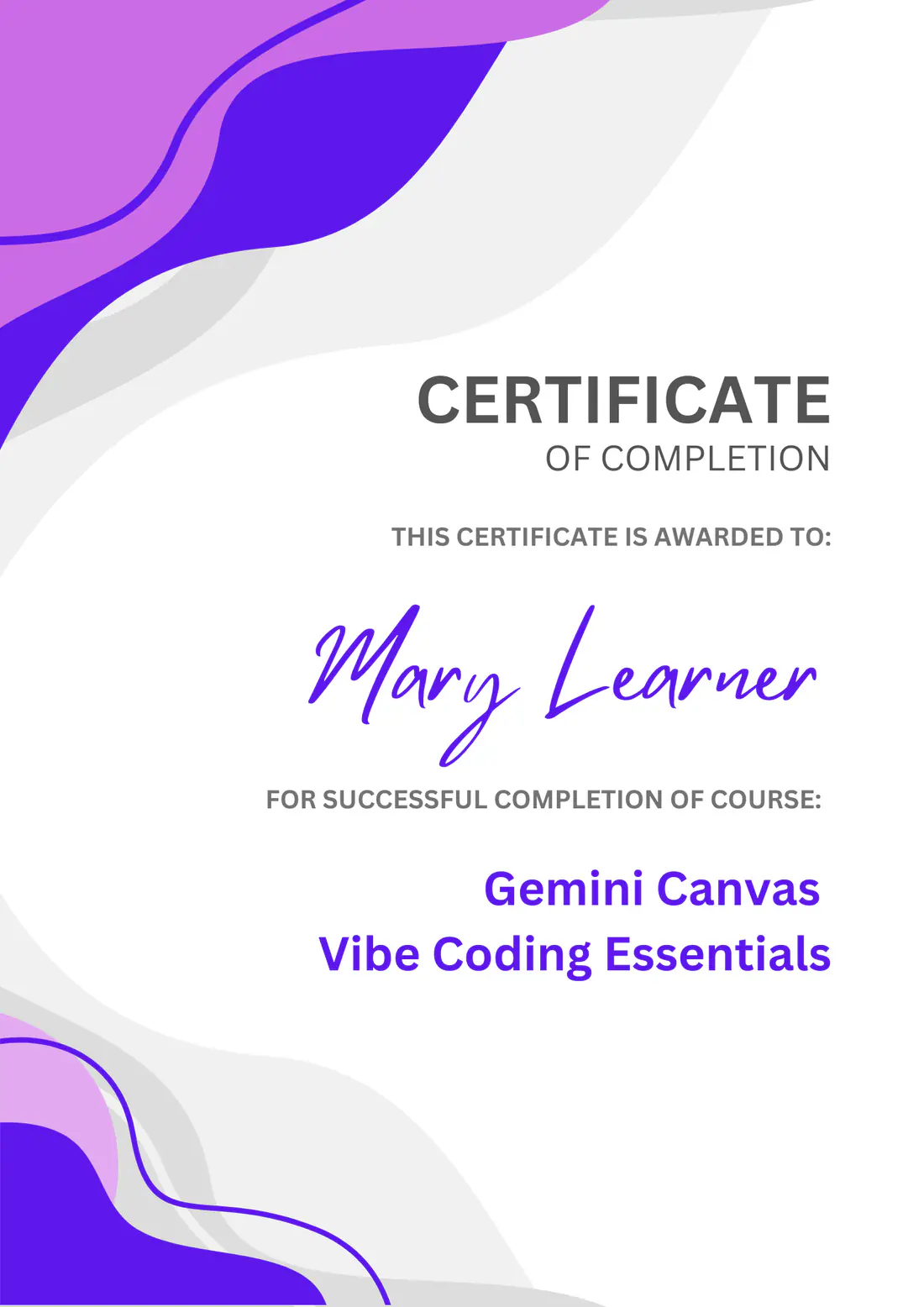
Finish all four lessons and receive a personalised certificate of completion. Share it on LinkedIn, add it to your portfolio, or just keep it as proof you built something real.
Personalised
Verifiable
Sharable
From the course
Two key ideas from the course material that set this approach apart.
From the build guide
"Every bug you hit and fix is a lesson for your learners. Show the mess, not just the finished product."
Step-by-step Build Guide
From Lesson 2
"Your first response is a starting point, not a finished product. That pause before accepting. That is where good builds are made."
The Socratic Engine
Get started
Register below. We will send you the course link and everything you need to get started.
First Name
e.g. Alex
Last Name
e.g. Smith
Email Address
alex@company.com
Company Name (Optional)
Your organisation
Register & Start Learning
Create a free QuikAuthor account to download the course, customise it, and share it with your team or learners using built-in assignment and tracking tools.
"Perfect for L&D teams, trainers, consultants, and course creators who want to use this as ready-made content or as a template for their own builds."
Common questions
Anyone who wants to build interactive training content without writing code. Whether you are in L&D, a trainer, a consultant, or just someone with an idea for a quiz or game, this course will get you there.
No. The entire course is built around copy-and-paste prompts. If you can use a chat interface, you can build with Gemini Canvas.
Gemini Canvas is a feature inside Google's Gemini AI that lets you build interactive web apps, games, and tools through conversation. You describe what you want, Gemini writes the code, and you get a shareable link.
Yes. Register with your name and email, complete all four lessons, and earn your certificate. No credit card, no trial period, no catch.
Four lessons, roughly 10 minutes each. You can complete it in one sitting or spread it across a few days.
A personal Google account (not a Workspace account) and access to Gemini at gemini.google.com. The course explains why this matters in Lesson 1.
A personalised certificate of completion you can download and share on LinkedIn or add to your portfolio once you finish all four lessons.
Yes. Create a free QuikAuthor account and you can download the course to your library, assign it to learners, and track who has completed it.
An 11-step build guide with every prompt ready to copy and paste. It walks you through building the exact Millionaire game you can play on this page. The free taster download gives you Step 1 and an overview of all 11 steps. The full guide is included with the course.
QuikAuthor is the AI-powered platform this course was built with. It is a microlearning and eLearning authoring tool for creating interactive training content, complete with learner management, analytics, and SCORM export.
A free 4-lesson course that takes you from rough idea to shareable interactive game. No coding experience needed. Just an idea and forty minutes.
No credit card required.