
3:33 MINUTES · UPDATED APRIL 2026
QuikAuthor 111: Avatar Video, Creating Animated Courses in Minutes
Turn titles and descriptions into fully animated, voiced courses in minutes.
About this Tutorial
QuikAuthor's Avatar Video feature lets you turn a title and description into a fully animated, voiced course in minutes. This tutorial walks through the entire workflow, from writing or generating your script, selecting an AI presenter and voice accent, through to generating your video, adding interactive games and quizzes, and publishing a complete course. No recording equipment or editing skills required.
That is the end of the series. Back to the start: QuikAuthor 101: Complete Dashboard & Navigation Guide
Transcript
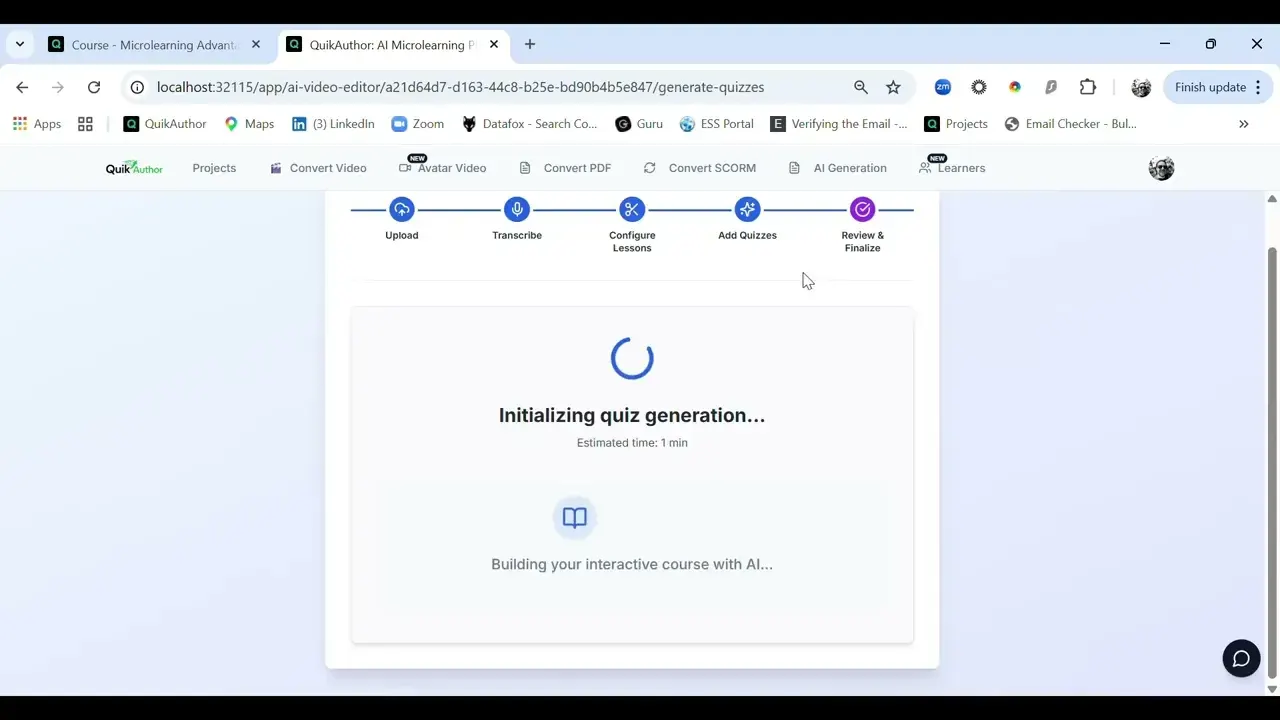
Okay, we're now going to tackle avatar video creation. Really couldn't be easier. All we need to do is firstly give ourselves a title, so we're going to call this 'avatar video', and we're going to talk about how avatars are helpful in learning. Okay. So all we need to do once we've done that, you'll see you have the ability then, we've got our course name and title, but you can create a manual script if you want to, or if you want to use that title and description to generate a script, you can do that as well. So here we have our script, that's fully editable. Next up we choose our avatar, so male, female choices here, and you'll see if we click one and drop down, then we have our voices appropriate to the instructor. So, you can choose accents if you wish, and all you need to do is once you're happy with that, you can hear any samples you want, just go ahead and generate. Awesome. So, we've got our video ready now. I should say that does take a few minutes to work through, so if you want to just skip away you can do at any stage during the build. But, you now have two options: you can add the video directly to your library, together with the subtitles if you want to download those, or you can just go ahead and build your course. So we're going to build the course, and you'll see now, very similar to the AI video editor, you have the ability to add different elements, games, quizzes, etc. And then once you're happy with them, you can just go ahead and generate. We can download the subtitles again if we forgot to do that. We've got our game built out. If you want to add any quizzes you can as before, if you want to delete any or edit any, you can. And then all you need to do is just create the course. So super simple, you just go through the steps of putting in your title and your description, either generating a script or adding it yourself, then choose your avatar, choose your voice, choose your games or your quizzes, and press create. We'll just wait for a second and then hopefully the course will be here. And there it is. Okay. So, as you'd expect you have your course title, all your details, you have your lesson with all the tags and descriptions etc. built in. We have the video, we have the quiz, and the conclusion.