
 2:18
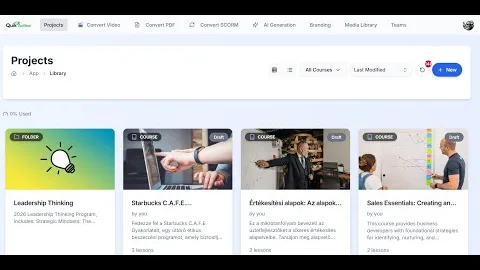
2:18QuikAuthor 101: Complete Dashboard & Navigation Guide
Master the QuikAuthor interface and learn how to navigate your workspace efficiently.
Learn how to use QuikAuthor with our comprehensive video tutorial series. From dashboard navigation to AI course generation.
Everything you need to know to build world-class microlearning 10x faster.
2:18Master the QuikAuthor interface and learn how to navigate your workspace efficiently.
 1:32
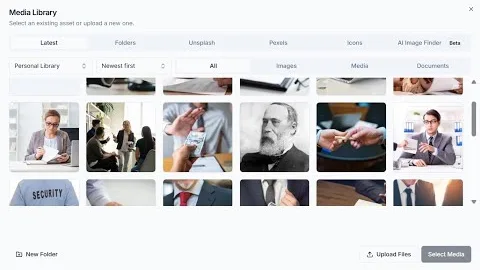
1:32Learn how to organise your media and leverage our extensive library of stock assets.
 6:49
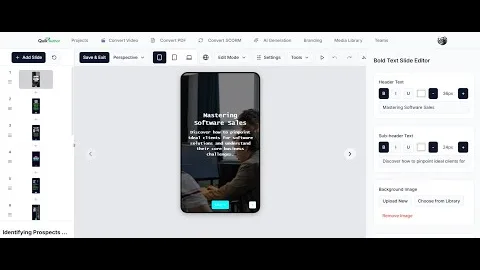
6:49A deep dive into creating courses using our pre-built templates or starting from a blank canvas.
 1:05
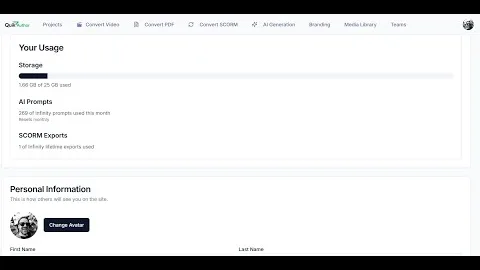
1:05Customise your QuikAuthor experience and manage your advanced account settings.
 5:52
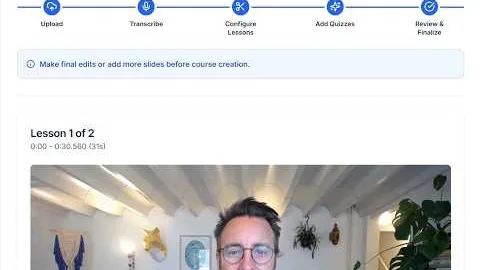
5:52See how our AI can transform any video into a fully interactive learning experience.
 3:19
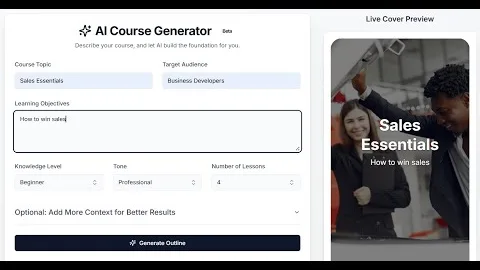
3:19Harness the power of AI to generate complete courses from just a simple prompt.
 2:09
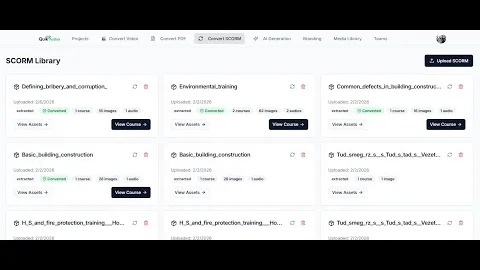
2:09Learn how to easily migrate your existing EdApp content into QuikAuthor.
 4:13
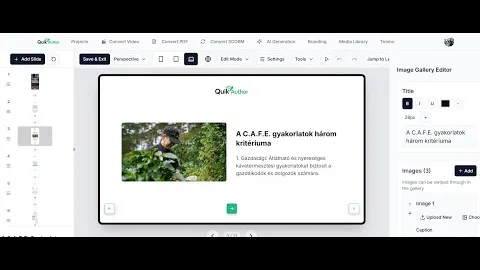
4:13Reach a global audience by translating your courses into 20 languages with AI.
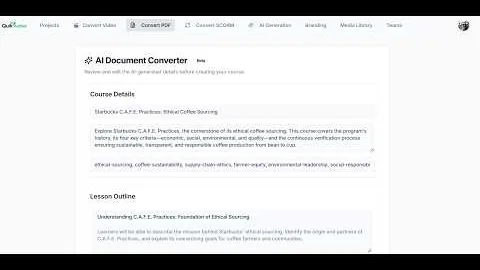 1:45
1:45Learn how to transform static PDFs and documents into structured, gamified courses.
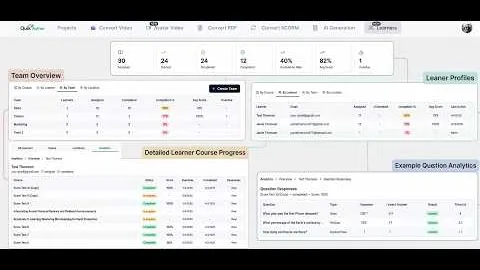 3:55
3:55Assign courses to learners and track their progress with granular analytics.
 3:33
3:33Turn titles and descriptions into fully animated, voiced courses in minutes.
You can create courses from scratch using our pre-built templates, generate them instantly with AI from a single text prompt, convert existing videos into interactive lessons, or import SCORM packages from tools like EdApp. Our tutorial series provides step-by-step guides for each method.
Yes! QuikAuthor's "Video to AI" feature transcribes your video content, segments it into logical learning blocks, and automatically generates interactive knowledge checks and games based on the spoken content. It's perfect for turning webinars or recorded meetings into microlearning.
Absolutely. QuikAuthor is built for LMS compatibility. Every course you create can be exported as a high-performance SCORM 1.2 or SCORM 2004 package, ensuring it works seamlessly with any standard Learning Management System.
To migrate content, simply export your lessons from EdApp as SCORM packages and use QuikAuthor's SCORM Converter. Our AI will help deconstruct the old format and map it into our modern, gamified slide templates, giving your legacy content a fresh, interactive upgrade.
QuikAuthor supports a wide variety of interactive assessment types, including Millionaire Quiz, Memory Games, Bullseye, Swipe Games, True/False, Multiple Choice, Word Searches, and more. All interactions are mobile-optimised and designed to maximise learner engagement.